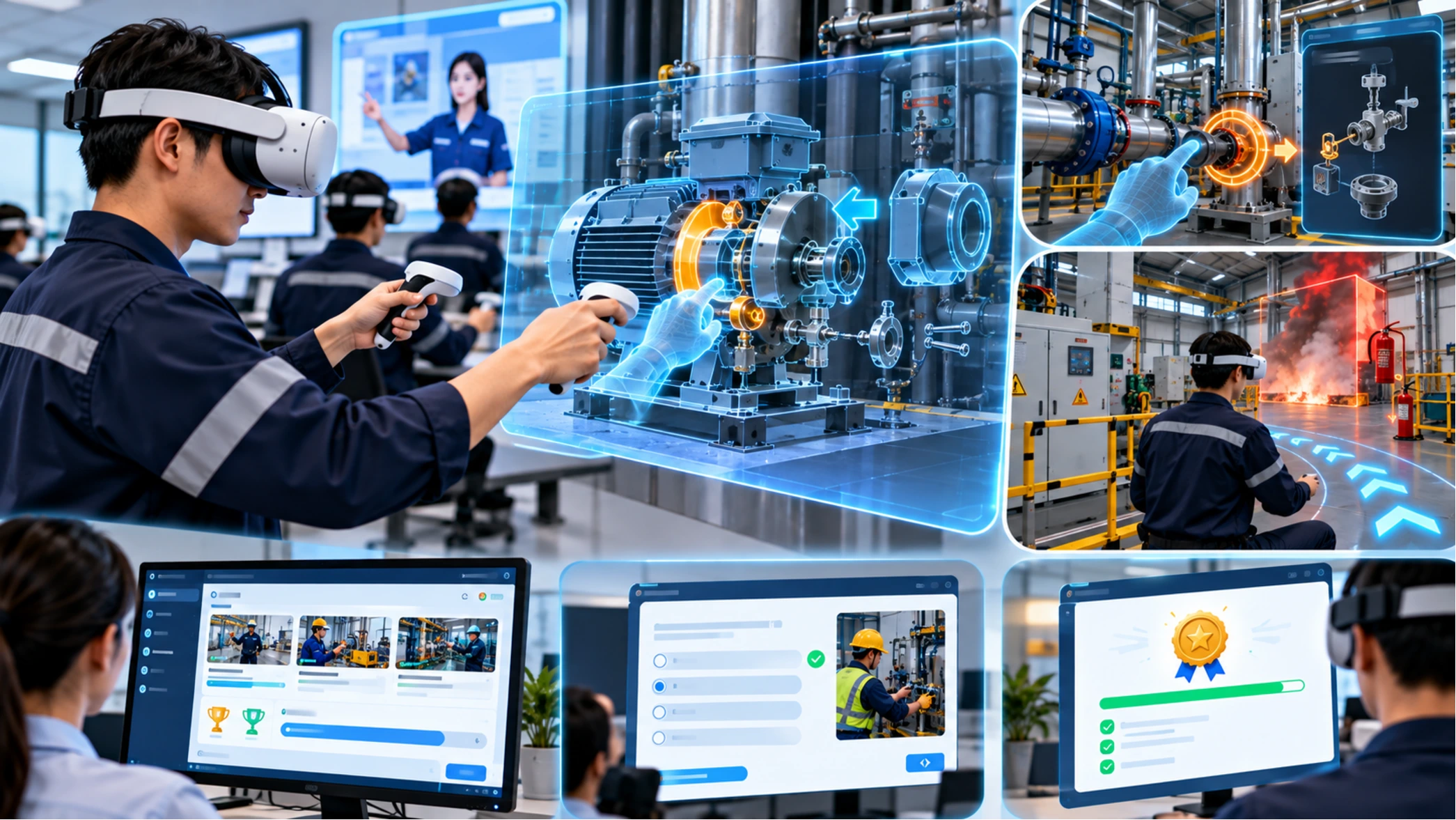
What Is VR Training? How Factories Use It for Safe, Repeatable Staff Training
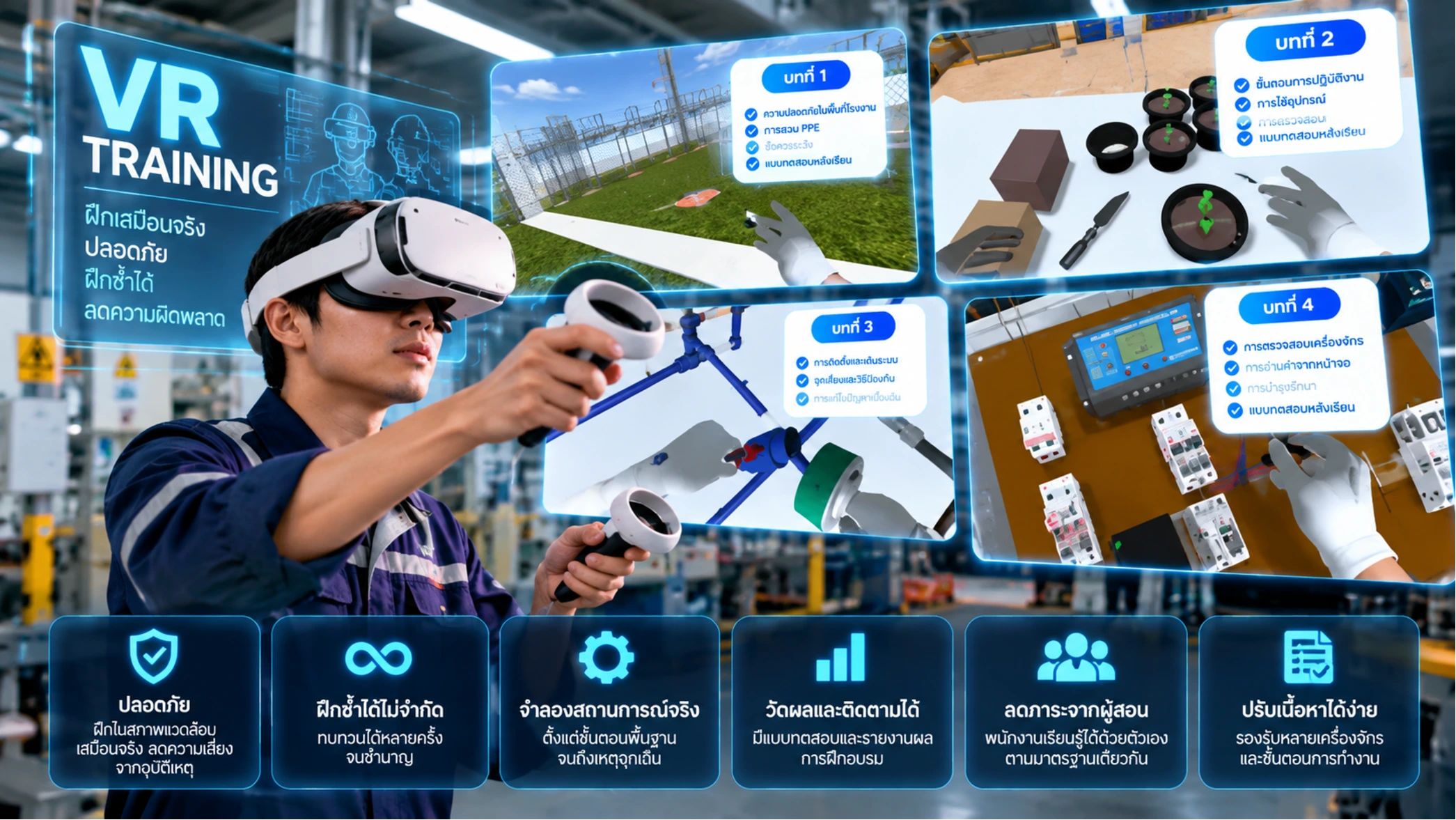
Short answer: VR training is training inside a 3D simulation where learners see and do the work as if they were on site. It suits risky tasks, tasks that use expensive materials or machines, and roles with frequent new hires, because people can practise without danger and repeat as often as they need.
Key takeaways
- VR training simulates the real workplace so learners do the task instead of only watching or listening
- It removes the risk of training on real machines and does not use up materials
- It suits tasks with precise steps and roles that need frequent onboarding
- Before starting, prepare the topics, existing content or SOPs, learner numbers and how you will assess results
What is VR training?
VR (virtual reality) training happens in a virtual world built from 3D models. Learners wear a VR headset and see the work area, tools and equipment around them. They can pick things up and follow each step while the system guides them and shows what they did right or wrong.
Unlike video lessons that learners only watch, VR training lets them practise in a simulation, so they learn the steps by doing them.
How is it different from traditional training?
- Safety: practise risky tasks without harm to people or machines
- Repeatable: learners repeat until confident, without waiting for a trainer or machine time
- No wasted materials: no real materials and no stopping the production line
- Consistent: every learner gets the same content and steps
Which tasks suit VR training?
- Tasks with a risk of injury or damage
- Tasks that use expensive machines or materials
- Tasks that need precise steps, such as measuring, assembling or installing
- Roles with frequent new hires or training across several sites
Examples from iPANDA's work include VR lessons on measuring different types of bolts and on building a greenhouse, which let learners practise the steps in a virtual world.
What to prepare before starting
- Training topics: pick tasks with a clear problem, such as frequent mistakes or hard-to-run on-site training
- Existing content or SOPs: procedures, photos or videos of the real work help match lessons to reality
- Learner numbers and location: these decide how many devices you need and how to set them up
- Assessment: define what learners must be able to do to pass
How iPANDA develops VR training
- Discovery and a workshop with your team
- Lesson and scene design
- 3D modelling and lesson development
- Testing and user acceptance testing (UAT)
- Launch and handover
- Maintenance and new lessons after launch
FAQ
Can VR training fully replace on-site training?
VR training works best as part of a programme. It helps learners understand the steps and gain confidence before working on site. Decide together which parts are trained in VR and which must be done on the real job.
Can you use our existing SOPs or content?
Yes. The iPANDA team turns your SOPs or existing content into lessons and confirms topics and learner numbers during discovery.
How much does VR training cost?
It depends on the number of lessons, scene complexity and the devices used. The iPANDA team gives an initial estimate after a short briefing.
Interested in VR training for your organization?
See LMS & VR Training Development and VR Training System, or contact iPANDA at +66 96 904 5454 or ipandathailand@gmail.com.
Related services
VR & AR Development
iPANDA builds immersive experiences, from VR 360° virtual tours to AR apps, for tourism, learning and showcasing places.
LMS & VR Training Development
iPANDA builds online learning systems (LMS) and VR training lessons that simulate real situations, so learners can practise safely and repeatedly.