
Website, Web Application or Mobile App: Which Does Your Organization Need?
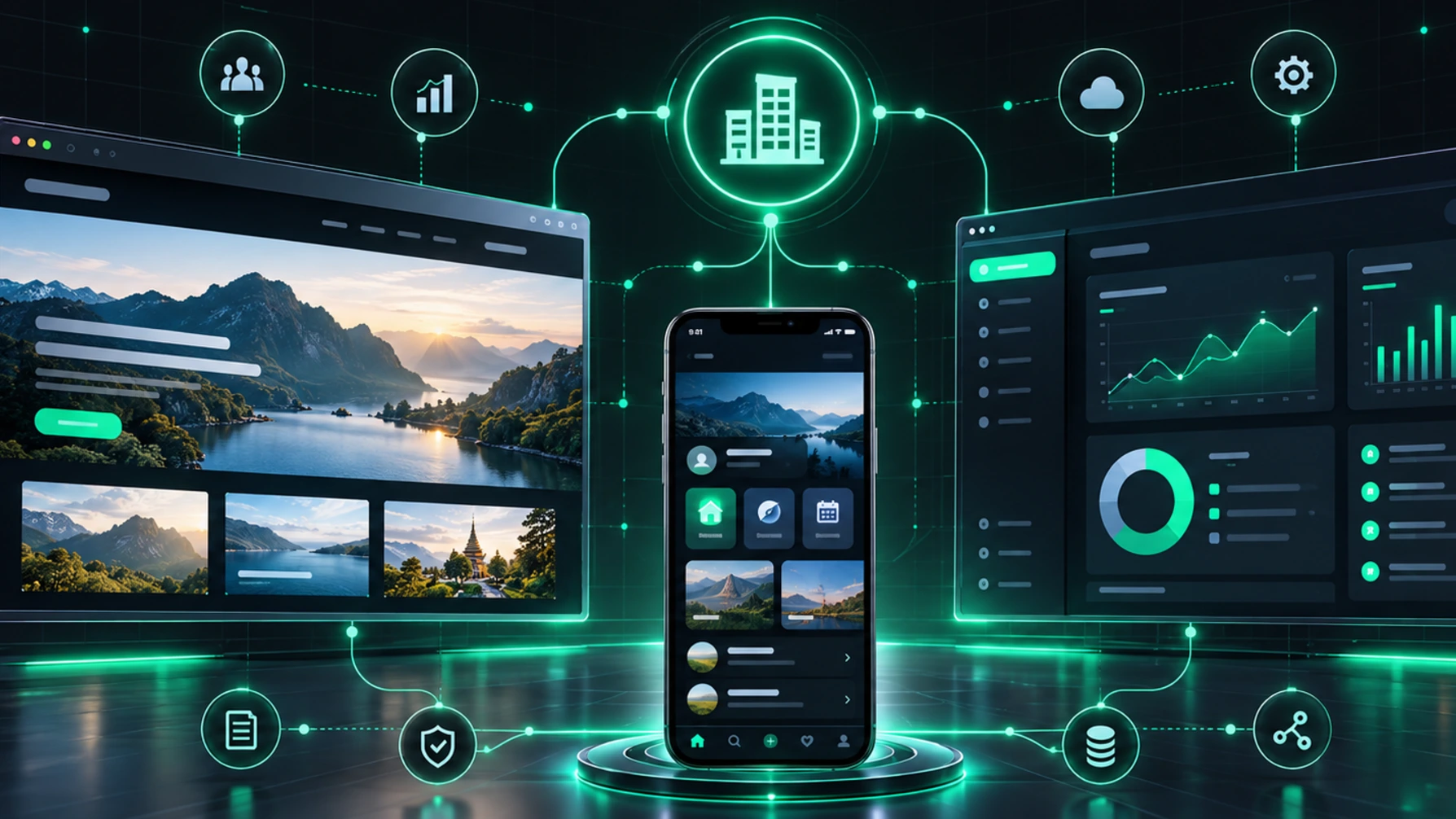
Short answer: Choose a website to present information people can find. Choose a web application when users need to get work done, such as booking, paying or managing data. Choose a mobile app when people use it often or need phone features such as GPS, the camera or AR. Many organizations use more than one.
Key takeaways
- Website: presents information, builds trust and is found by Google and AI search
- Web application: a system users log into and work in, through a browser with nothing to install
- Mobile app: installed on the device, uses device features fully, suits regular users
- Decide by asking who uses it, what for, and how often
What is a website and who is it for?
A website mainly presents information, such as company details, services, projects, news or destination information. Most visitors read and then get in touch. It suits organizations that want customers or the public to find them through Google and AI search.
Example: the Loei travel information website, which brings Loei's attractions together in one place.
What is a web application and who is it for?
A web application is a system people work in through a browser, such as booking and ticketing, e-learning or back-office systems. Users install nothing and the organization updates it in one place. It suits work with several user groups on both computers and phones.
Examples: thaieasylearning, an e-learning system, and eTICKET, the ticketing system for the Phu Phra Yai Phu Khok Ngio Skywalk.
What is a mobile app and who is it for?
A mobile app is installed on iOS or Android and can fully use device features such as GPS, the camera, notifications and AR. It suits frequent users and tasks done on the move.
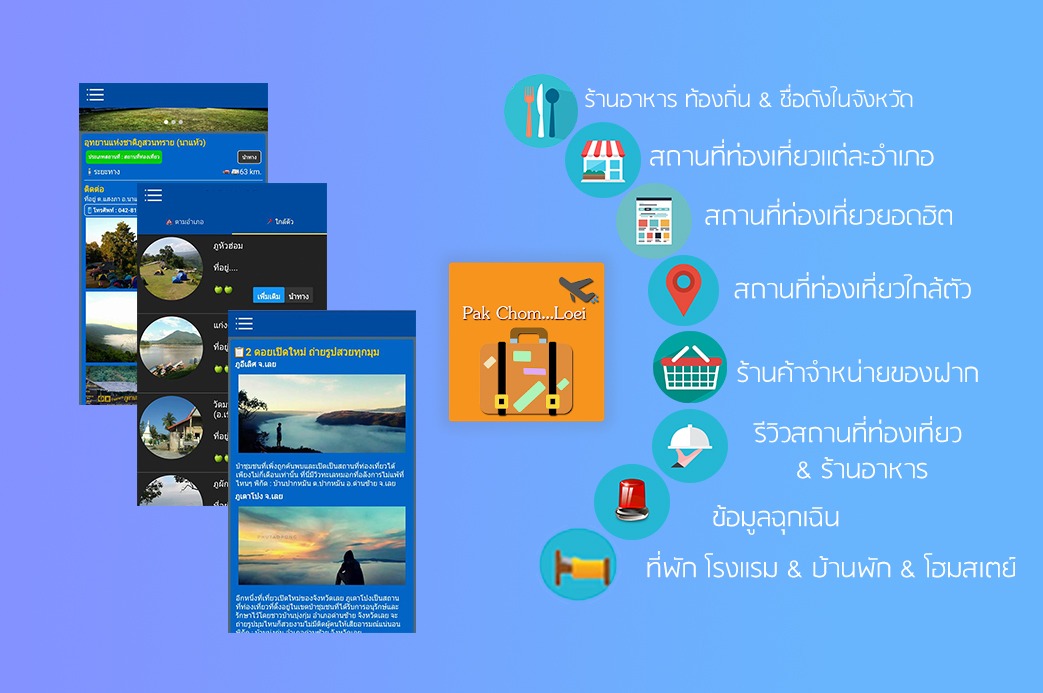
Example: Pakchom Loei, an app for Loei's attractions, shops, restaurants and accommodation with GPS navigation.
Comparison
- Main goal: a website presents information · a web application lets users get work done · a mobile app is for frequent use on the phone
- Access: a website opens in a browser · a web application opens in a browser, usually with login · a mobile app is downloaded from the App Store or Google Play
- Device features: limited on a website · partial in a web application · full in a mobile app, such as GPS, the camera and AR
- Found on Google: websites well · web applications only on public pages · mobile apps mainly through app stores
- Updates: websites and web applications update on the server · mobile apps ship new versions through the stores
Questions to help you decide
- Who are the users? The public looking for information, or regular users such as staff and members
- What do they need to do? Just read, or book, pay and record data
- How often? Occasional use suits the web; daily use suits an app
- Do you need phone features? Such as GPS, the camera, AR or notifications
- Are there systems to connect? Such as payments or an existing database
Can you use them together?
Yes, and it is common: a website people can find, a web application as the staff back office, and a mobile app for regular users, all sharing the same data.
FAQ
With a limited budget, where should we start?
Start with what serves your main goal. If you need it fast, begin with an MVP of the core features and add more in later phases.
Can one app run on both iOS and Android?
Yes, with cross-platform development such as Flutter or React Native. Projects that need maximum performance may go native.
Talk to iPANDA
See Website Development, Web Application Development and Mobile Application Development, or call +66 96 904 5454 or email ipandathailand@gmail.com.
Related case studies
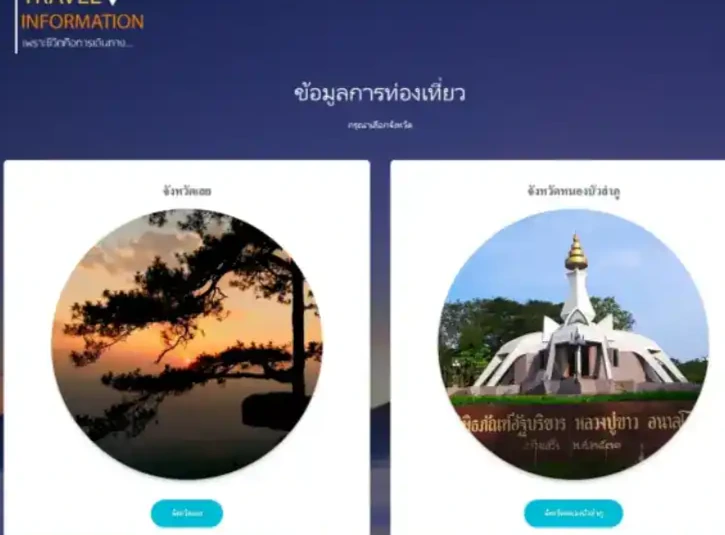
Travel Information Website (Loei)
A travel information website presenting attractions in Loei and Nong Bua Lamphu, organized by province and responsive on desktop and mobile.

iPANDA
thaieasylearning
thaieasylearning is an online learning platform with a wide range of lessons and pre/post-tests to measure learner progress.
อพท. สำนักงานพื้นที่พิเศษ 5 (DASTA)
Pakchom Loei
Pakchom Loei is a Loei province travel app covering attractions, restaurants, accommodation, souvenirs and emergency contacts, with GPS navigation.
Related services
Website Development
iPANDA designs and builds corporate, information and promotional websites that work well on mobile, can be updated by your team, and are structured for SEO.
Web Application Development
iPANDA builds web applications around how your organization works, such as online ticketing, e-learning and back-office systems, usable in any browser on any device.
Mobile Application Development
iPANDA designs and builds mobile apps for iOS and Android, from discovery and UX/UI design to development, testing and release on the App Store and Google Play.